Clipboard manager meets text expander.
Everything you copy, everything you type often — one app, all from the keyboard.

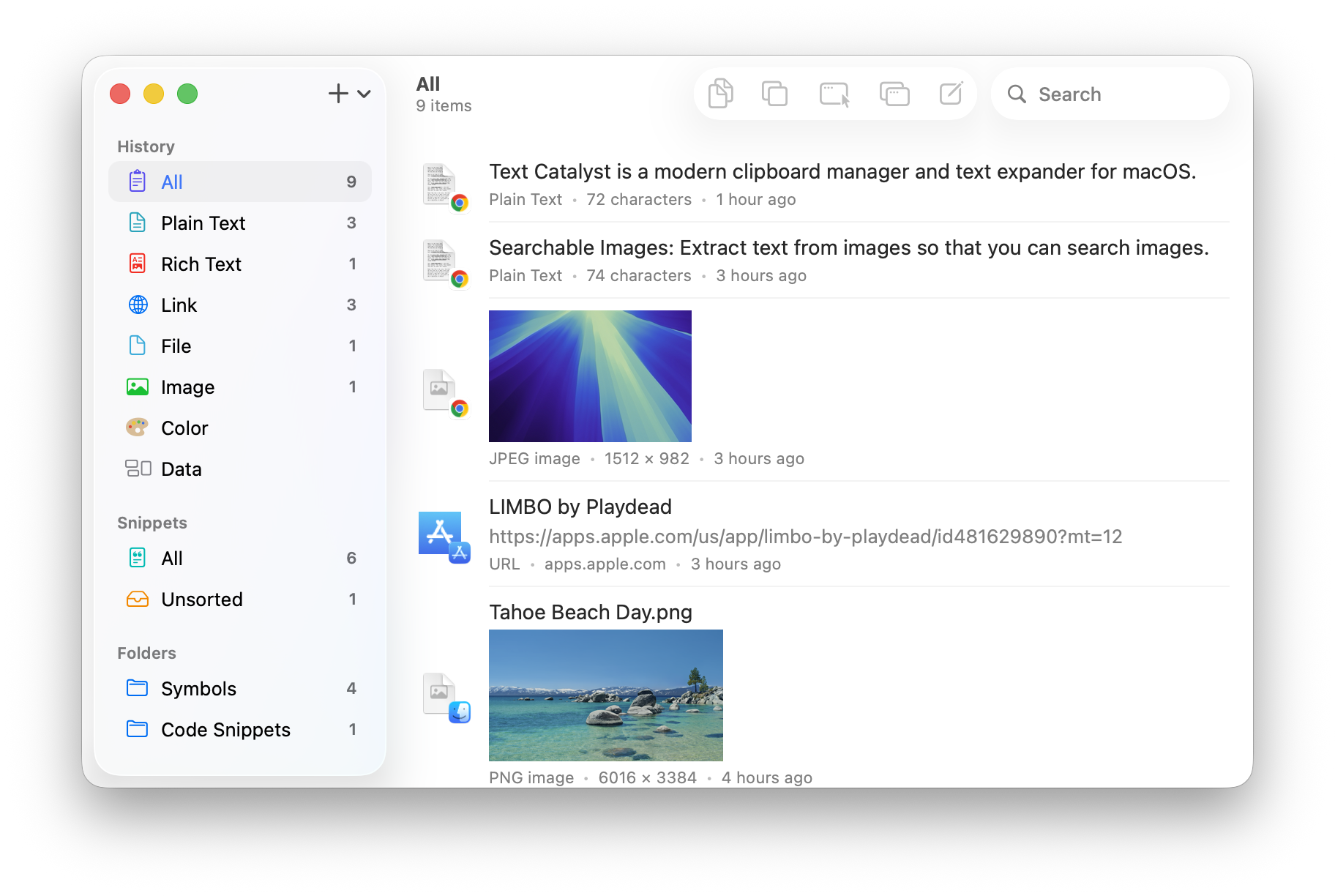

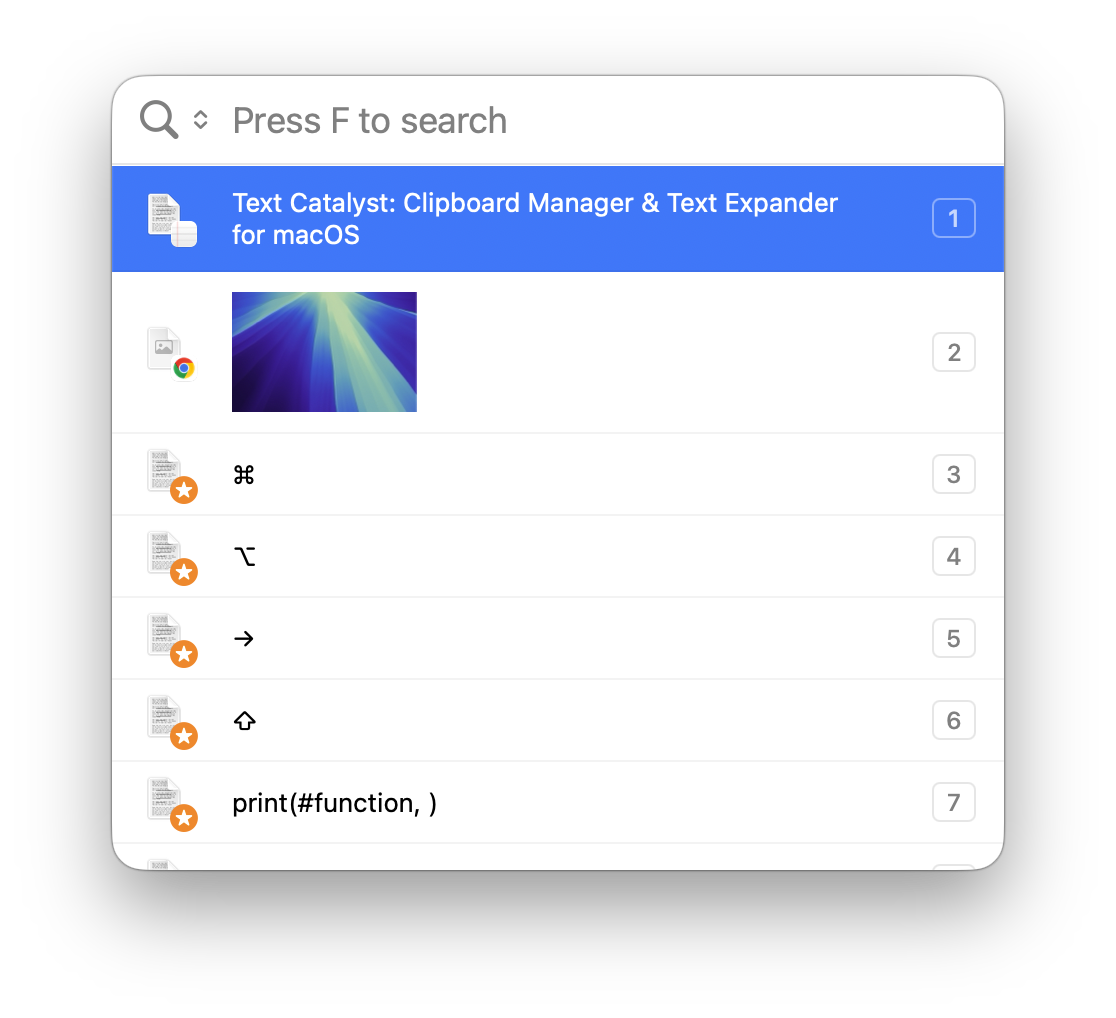

Paste List
Your clipboard history and snippets in one panel — summon it anywhere with a keyboard shortcut.
- Search everything you’ve ever copied.
- Preview content before pasting.
- Paste any item without touching the mouse.
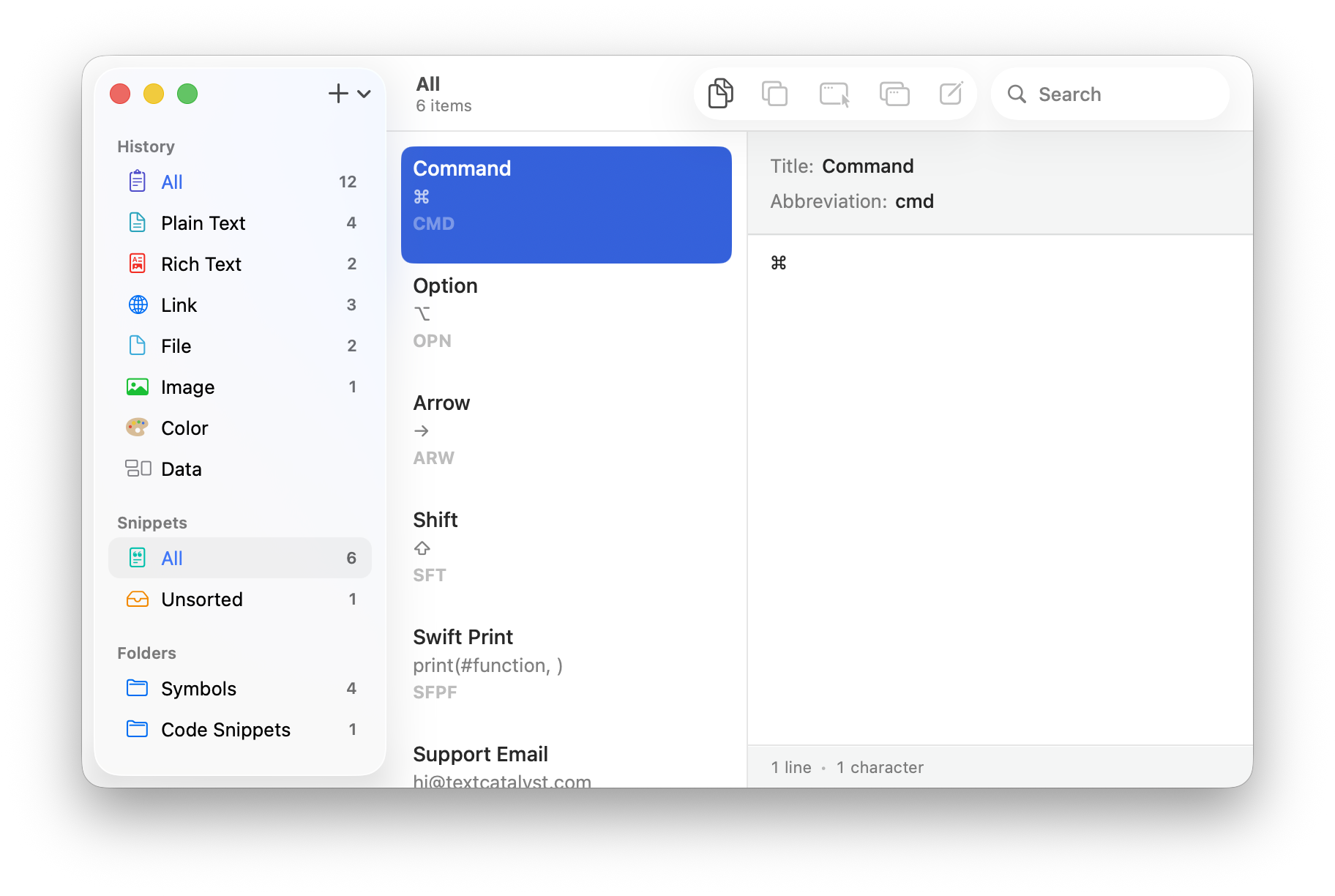
Text Expander
Type a short shortcut, get the full content — instantly, in any app.
- Email templates.
- Symbols like ⌘ and ⌥.
- Emojis, addresses, signatures.
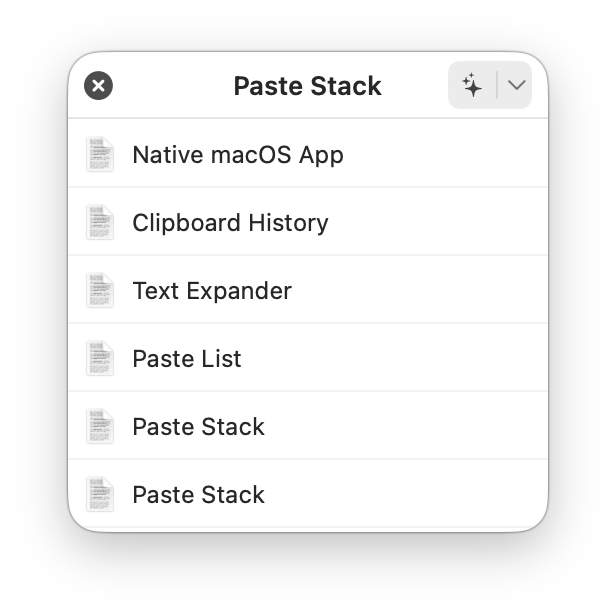
Paste Stack
Copy several things in a row, then paste them one by one — or all at once. No new shortcuts to learn: it’s still ⌘ C and ⌘ V.
- Auto Copy: just select text, and it’s copied — no ⌘ C needed.
- Paste the whole stack in one click.
- Perfect for filling forms and moving data between apps.

Features You Will Actually Use
Every feature earns its place — designed for daily use, not a feature checklist.
Searchable Images
Text in your screenshots and images is extracted, so you can search images like text.
Recent History
A floating window shows your latest copies — one hot corner away.
Quick Look
Preview any item in its original formatting — rich text looks exactly as it will paste.
Performance
Instant search and zero lag, even with thousands of items in your history.
Clipboard History
Everything you copy is saved automatically, so nothing is ever lost.
Native macOS App
Built with Swift, exclusively for macOS. Fast, lightweight, and at home on your Mac.
Text Catalyst
Your clipboard, upgraded.